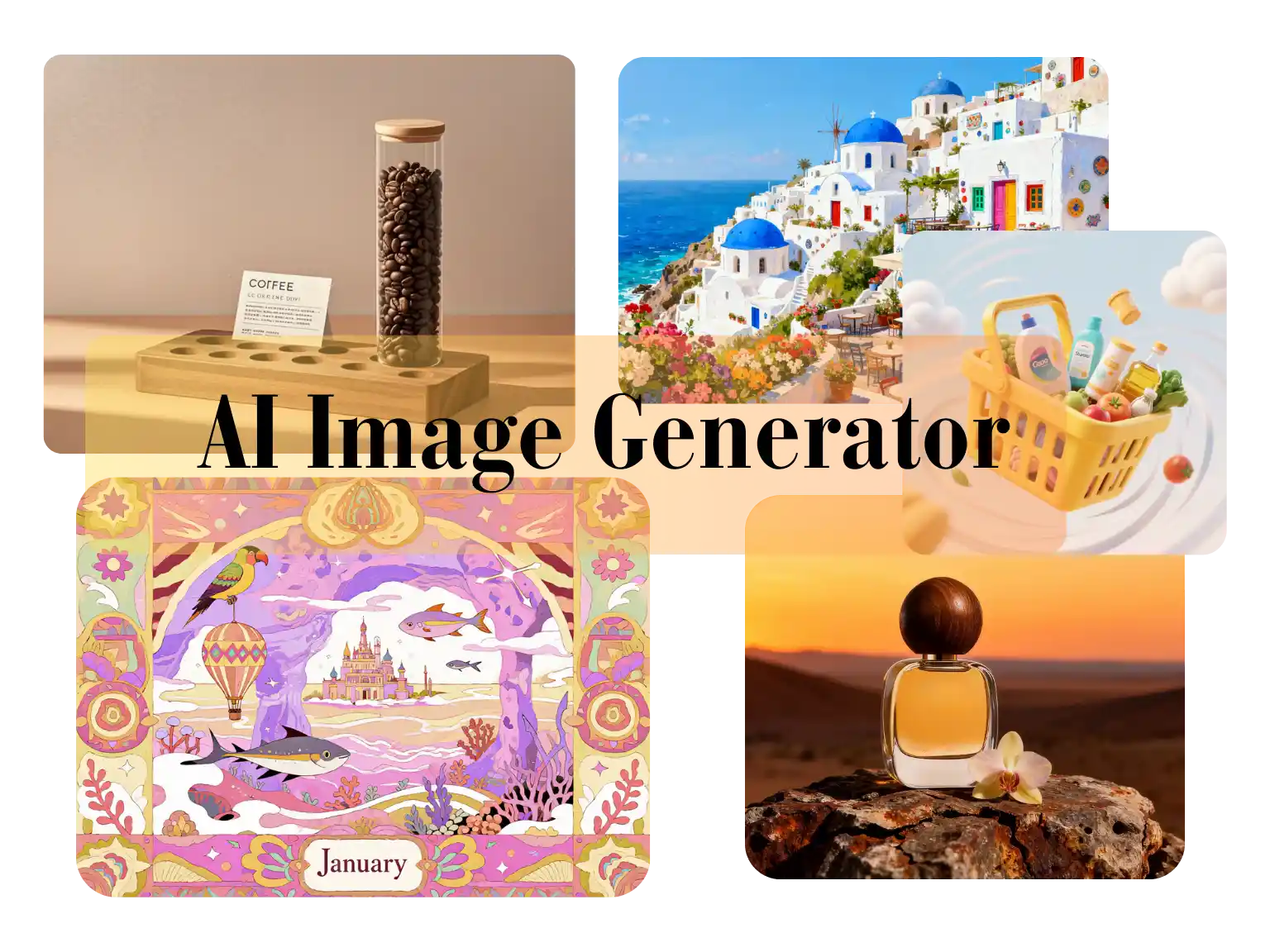
Plan every AI image direction in one workspace
Start with a prompt, compare visual routes, and move from reference boards to production-ready image concepts without stitching together extra tools.
Upload a source image to EzCreate for image-to-image edits, background changes and photo restyling. Pick a credit pack before hosted AI generation starts.
Model
Quick Select
Cost 1 credits
Resolution
Aspect Ratio
Output Format
Allow the provider to call web search for current information when supported.
Please enter a prompt before generating.
Start with a prompt, compare visual routes, and move from reference boards to production-ready image concepts without stitching together extra tools.
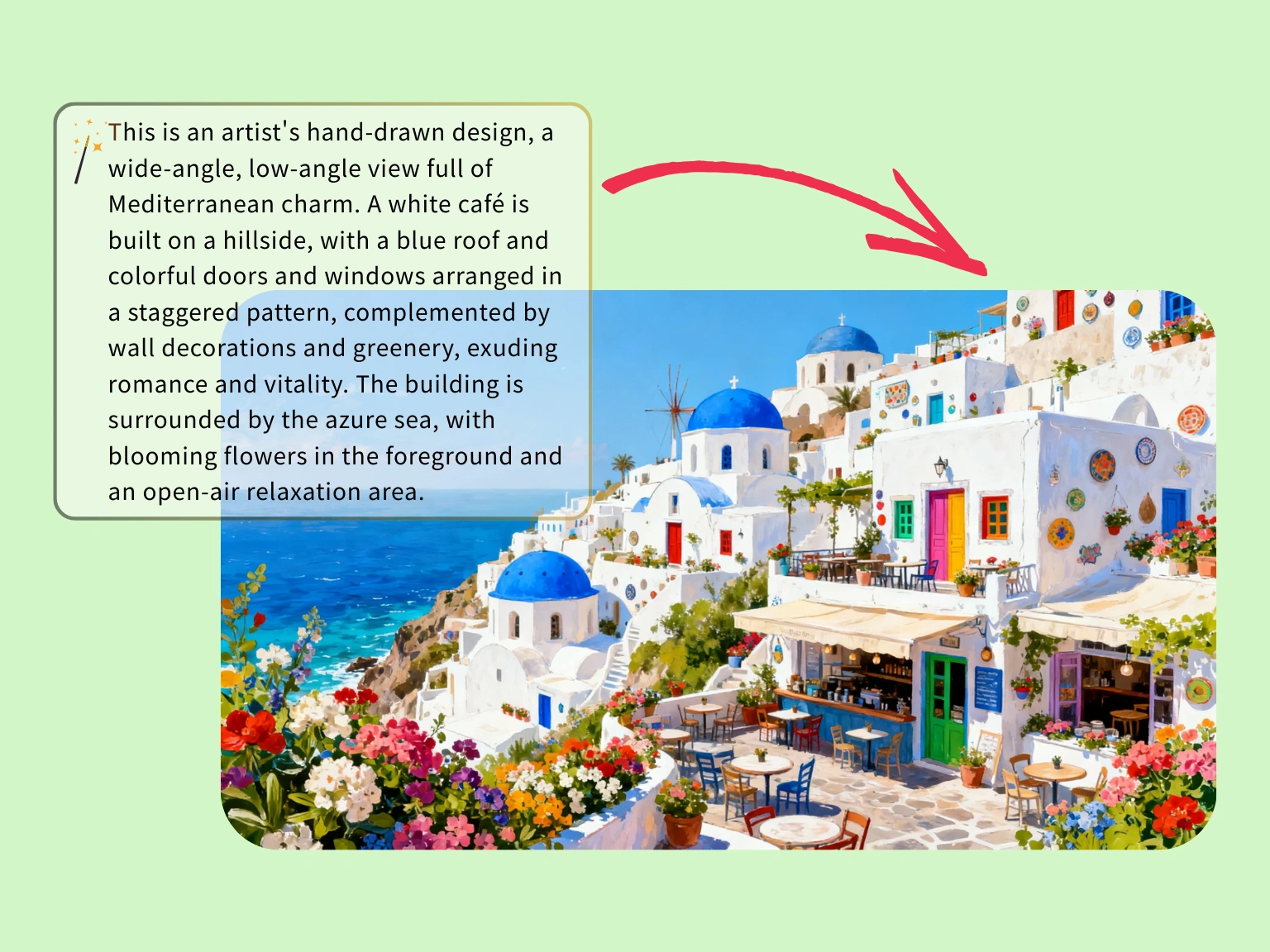
Use a tight prompt to map color, architecture, and atmosphere before you invest in custom illustration work.
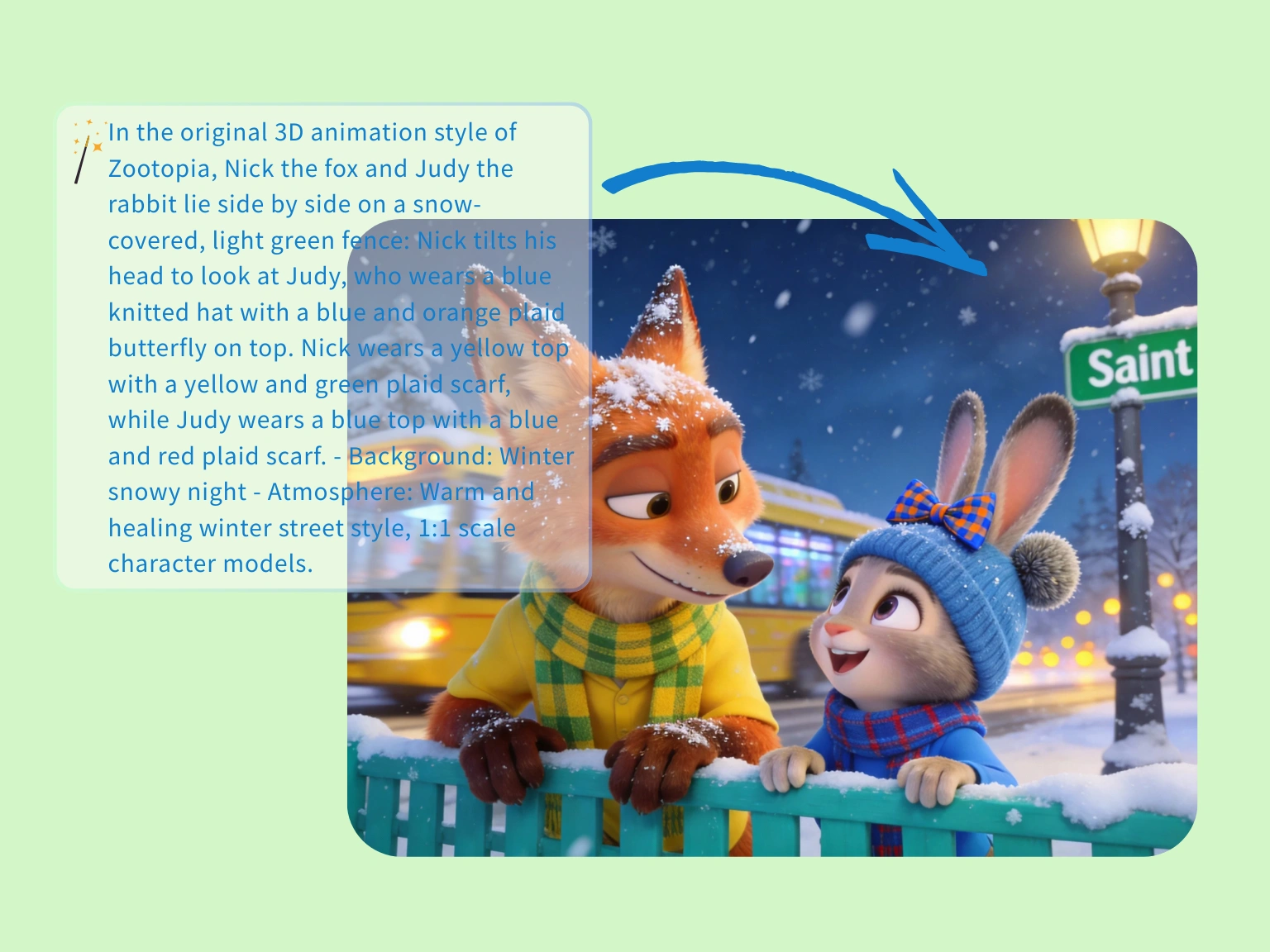
Use the generator to hold mood, spacing, and character chemistry when you need a playful narrative image fast.
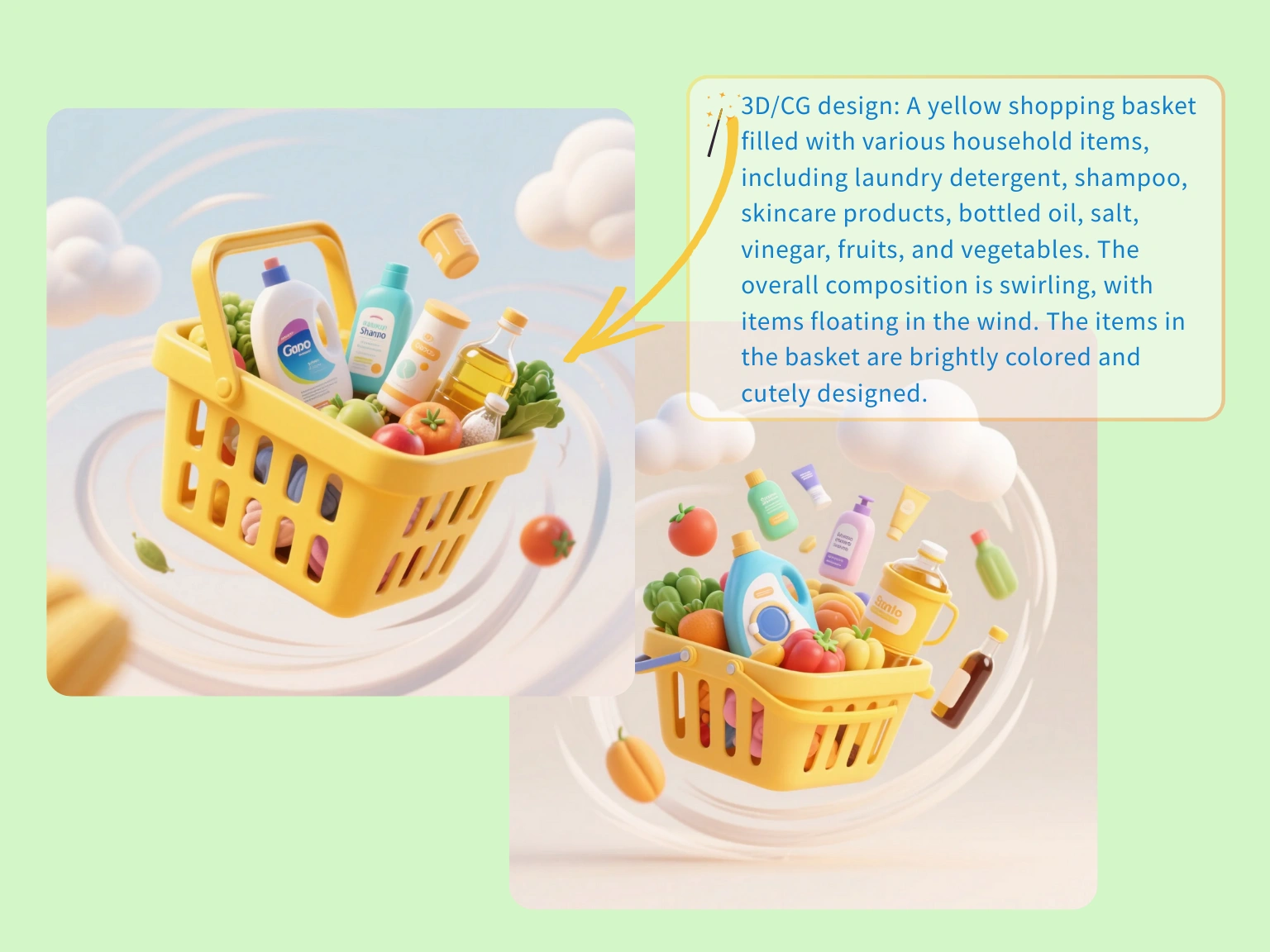
Build packaged lifestyle concepts with props and motion cues so merchandising, ads, and landing pages align earlier.
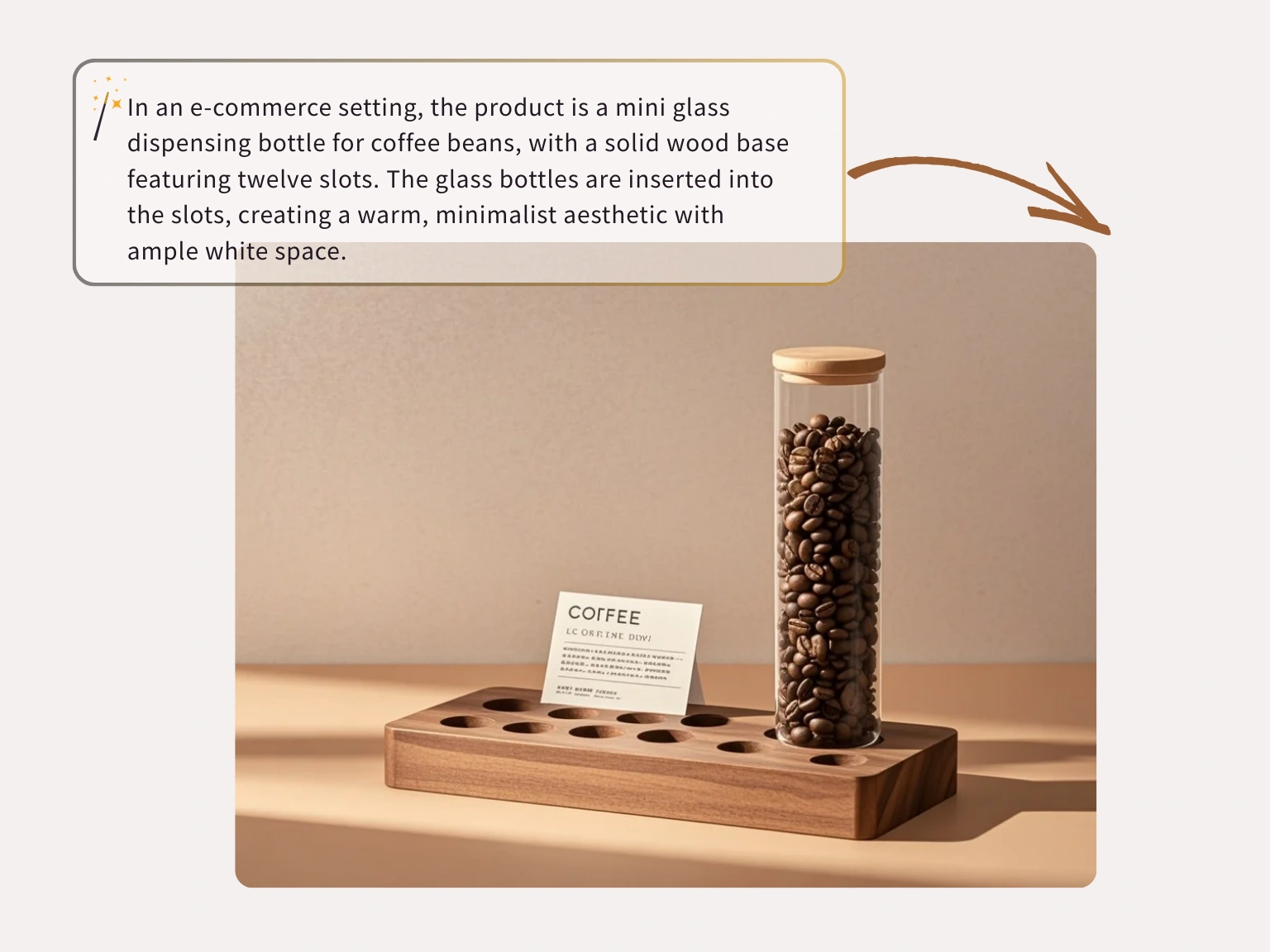
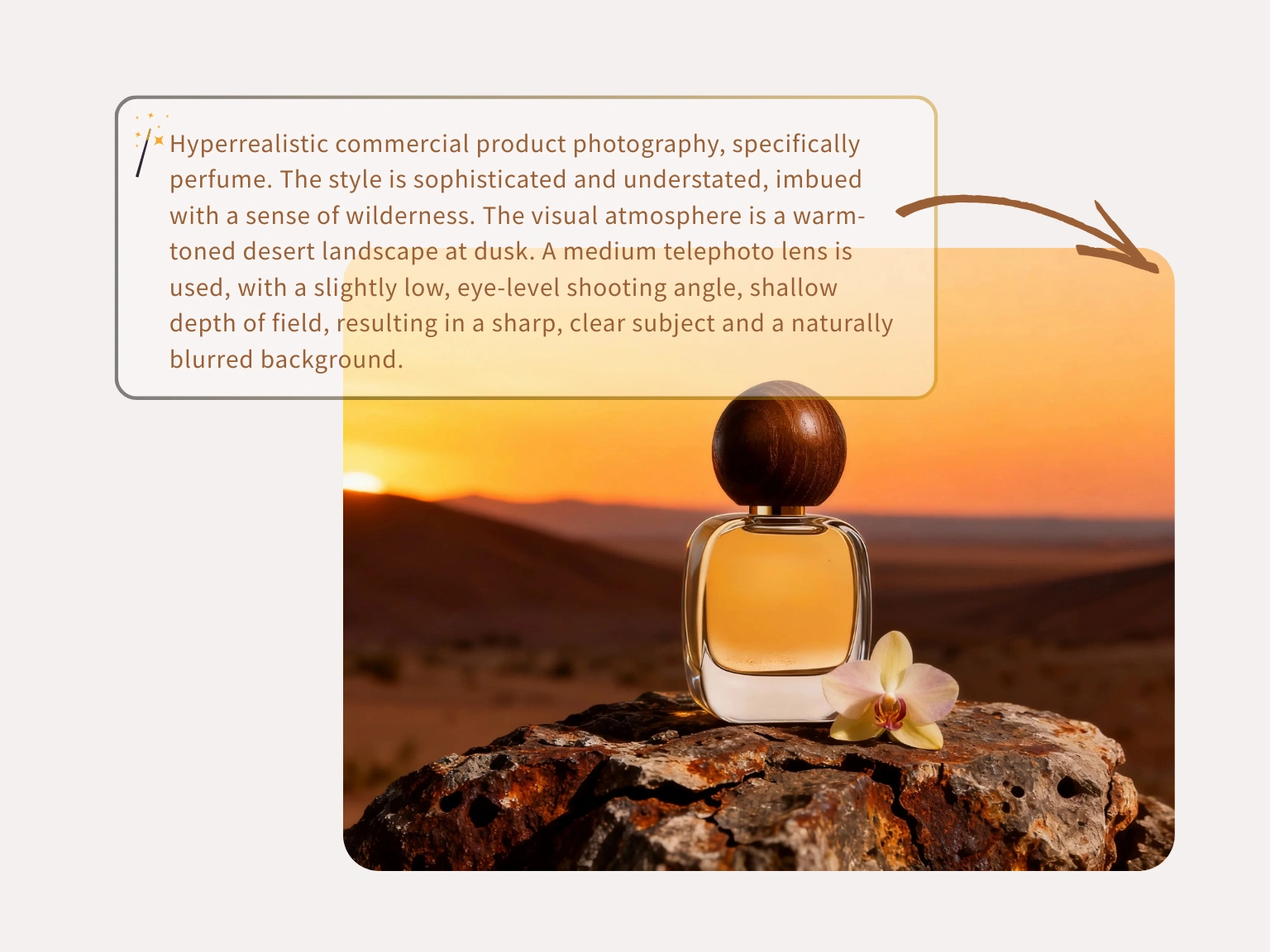
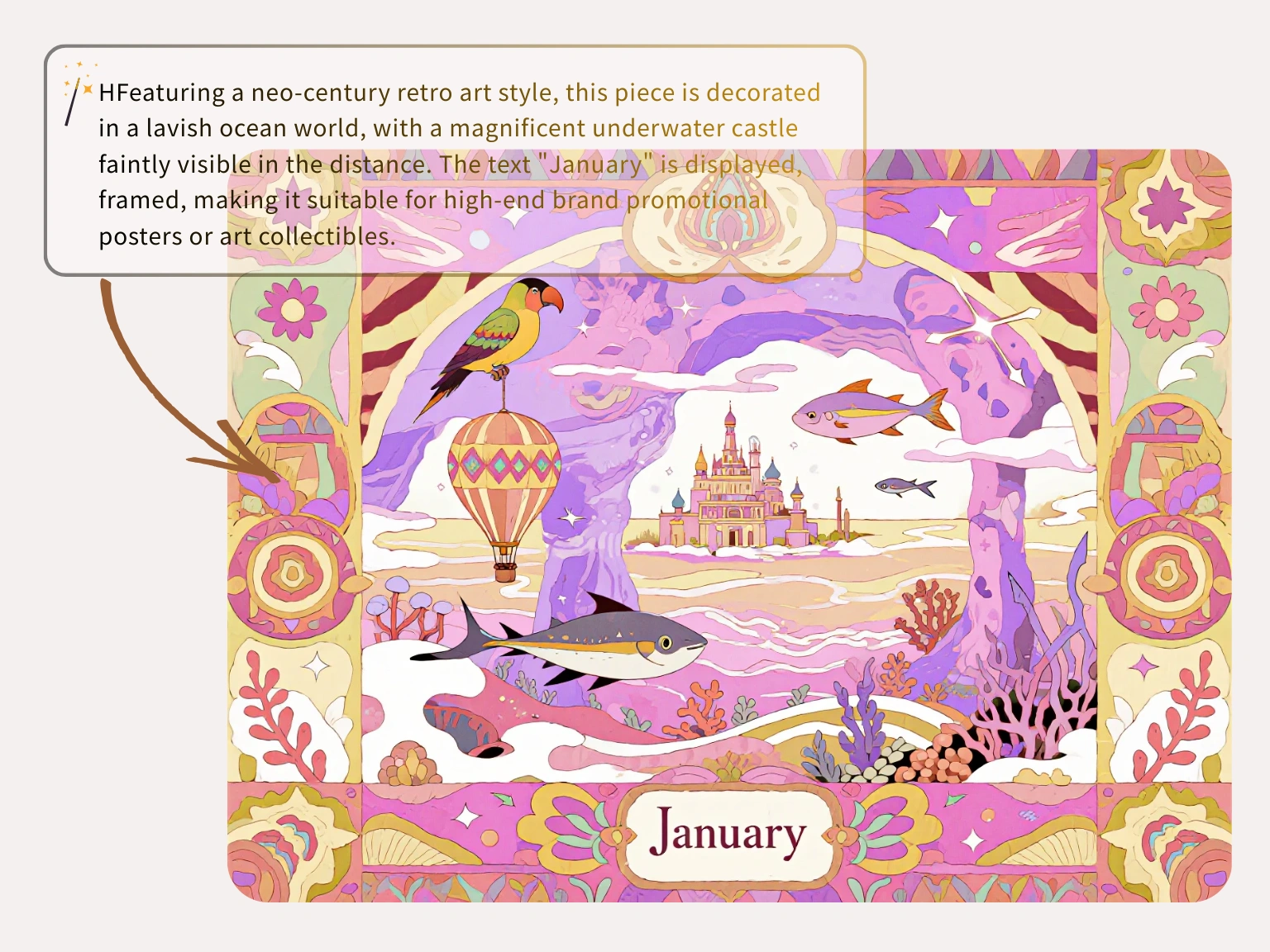
Image to image
Keep the source image as the anchor while AI changes style, background, product mood, or resolution.
Start from a real photo or draft and tell the model what should stay stable before it edits the rest.
Reference images are handled for the requested generation task rather than reused as open-ended training content.
Replace background tests, style passes, and product image variants without juggling multiple editing apps.
Three steps
Upload a source image, guide EzCreate with a direct instruction, then export the version that matches your brief.
Choose the image that should define the subject, framing, product shape, or visual direction.
Write what should change and what should remain intact so the edit stays controlled.
Review the generated result and download a clean image for campaigns, posts, or product pages.
EzCreate AI Workflow Examples
See how creators and ecommerce sellers combine text-to-image, image-to-image, and companion EzCreate tools from draft to final export.
A small shop shoots a bottle on a wooden desk and needs clean storefront hero shots without renting a studio.
Upload the source photo in EzCreate AI image-to-image mode, keep packaging typography locked in the prompt, and swap the backdrop to matte limestone with soft directional window light.
Produces consistent 1:1 and 4:5 catalog images ready to finish in the 4K upscaler or background remover.
A marketing team needs hero artwork for a product launch across 16:9 landing banners and 9:16 social reels.
Draft concepts at 1K in Ez Create AI text-to-image mode with explicit lighting and palette notes, then switch the winning prompt to 2K or 4K with exact upfront credit visibility.
Eliminates guesswork and keeps campaign visuals watermark-free without locking into a recurring design subscription.
A founder has one sharp daylight portrait and needs matching dark-studio and warm-editorial variants for press kits.
Anchor the portrait as the source reference inside EzCreate AI, explicitly state what stays fixed (face, pose, glasses), and change only lighting and background tone.
Delivers natural editorial portraits in seconds, with clean PNG or JPG exports and automatic 7-day privacy cleanup.
Need a focused workflow beyond the main generator? Explore the full EzCreate AI tools hub · upscale outputs to 4K
FAQ
Everything about the hosted EzCreate image generator, AI model routing, GPT Image 2, Nano Banana Pro, credits, privacy, and image-to-image workflows.
An AI image generator turns text prompts, and sometimes a source image, into new images. EzCreate AI keeps that workflow in one hosted workspace for text-to-image creation and image-to-image editing, alongside companion EzCreate tools for 4K upscaling and background removal.
Browse previews free. Generation requires purchased credits or an existing account balance.
No. You can start with plain language. More specific prompts help, but the workspace is designed so beginners can generate images without design software expertise.
One public workspace supports two modes: text-to-image for new concepts and image-to-image for guided edits from a source image.
Open the text-to-image tab, write a clear prompt, choose a model and output settings, then generate. Refine lighting, camera angle, subject details, and composition when you want a tighter result.
Yes. Use image-to-image when you have a source image or public direct image URL and want the prompt to guide edits, variations, or refinements from that reference.
The current AI model routing exposes a model picker with Nano Banana, Nano Banana 2, GPT Image 2, Nano Banana Pro, SeeDream 4.0, SeeDream 4.5, and SeeDream 5.0 Lite. Availability and credit cost can vary by model and resolution.
Most tasks are queued and refreshed automatically. Actual time depends on model load, resolution, provider queue health, and whether you are generating from text or refining a source image.
You can prompt for realism, anime, 3D art, product renders, editorial concepts, social visuals, packaging directions, and other visual styles supported by the selected model.
Current image routes expose 1K, 2K, and 4K output choices when supported by the selected model.
Commercial use depends on your plan, the selected model terms, your prompt or reference rights, and local law. For business use, review the terms before publishing or selling outputs.
Prompts and uploaded references are processed for the generation task and sent only to the services needed to produce results. Private creations are not turned into public gallery content by default.
Choose a credit pack for hosted AI generation. Existing credits keep their original validity.