
EzCreate · AI image tools
AI Sticker Maker
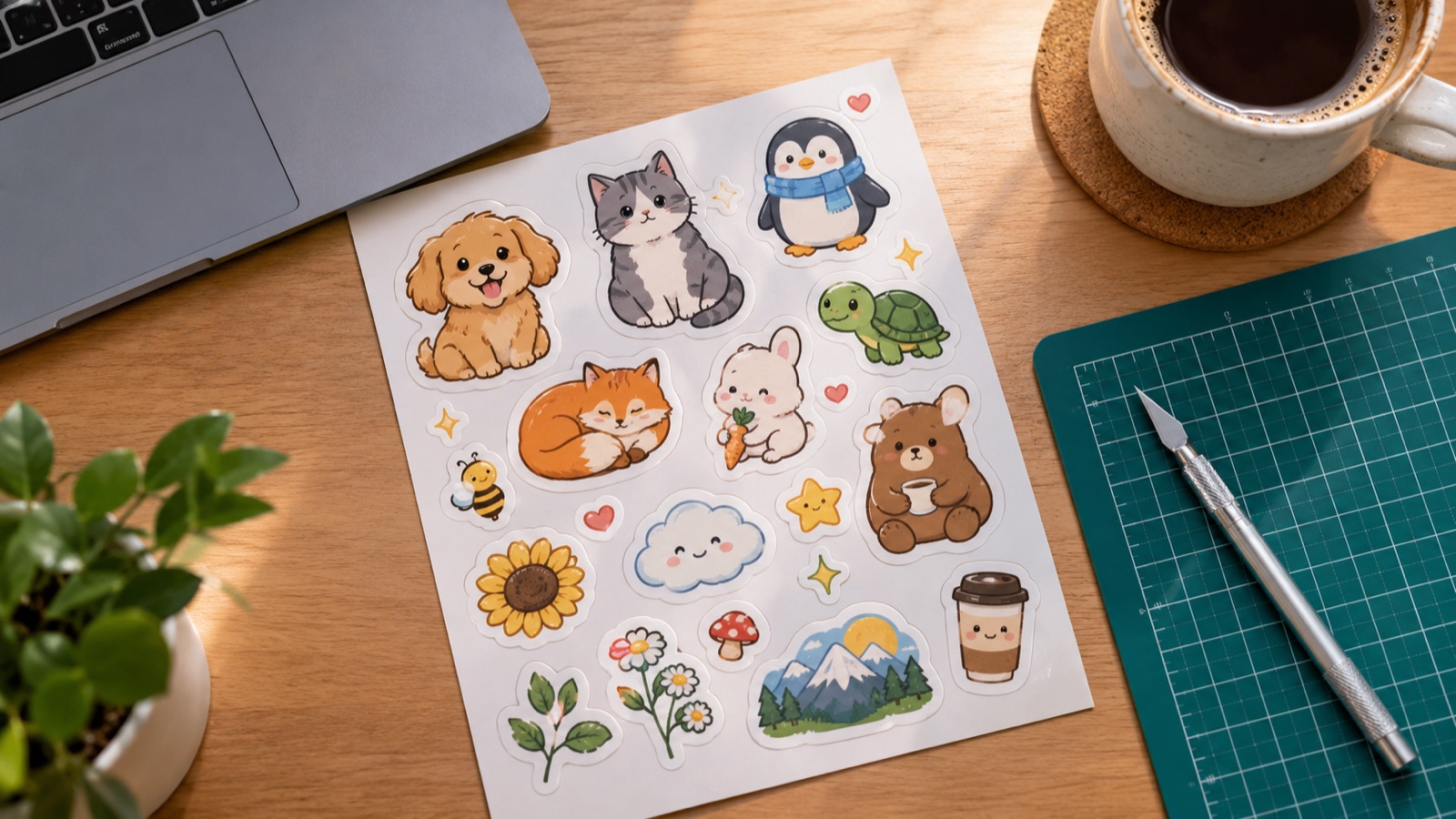
A sticker works when it reads instantly: one character, one object, one joke. Image models are good at that kind of focused illustration. Ask for a bold outline, flat colors and a plain background, and you get artwork that is easy to cut out and print.
- Best results come from one simple subject, thick outlines and flat colors. Busy scenes make poor stickers.
- A white die-cut border is not automatic. Generate the art, then add the border in a design tool or ask the printer for a cut-line template.
- Avoid trademarked characters and celebrity likenesses; original characters are safer and easier to license.
You can open the editor for free and start with a photo or a prompt. Sign in to claim the daily preview credits; downloads and higher resolution use purchased credits.
Quick answer
The preset below creates an original character rather than a known brand. That matters: sticker shops are full of copyrighted characters, and a takedown can wipe out a product line. Once you have a design you like, remove the background for a transparent PNG, add a white border in your design tool and check the size at the final print dimensions.
What this tool does
Creates an original character
Describe a simple subject and a mood. Original characters avoid the copyright problems that come with fan art.
Produces a clean cut shape
Thick outlines and a plain background make the subject easier to isolate for a die-cut sticker.
Works for digital packs too
The same PNG can become a chat sticker, a planner sticker or a printed vinyl sticker.
How to use the AI Sticker Maker
1. Describe one subject
Pick one character or object, one expression and one palette. Keep the background plain so the cut line stays simple.
2. Generate and pick
Make a few variations at 1K, then choose the one with the clearest silhouette and the fewest stray details.
3. Cut out and size
Remove the background, add a white border if your printer needs one, and export at the pixel size your sticker service requires.
Prompt recipe
This is the preset behind the example. Apply it to the editor below, or copy it into your own model. Change one detail at a time so you can tell what helped.
Create a cute original die-cut sticker design of a smiling avocado wearing tiny sunglasses, thick white border, bold clean outlines, flat vibrant colors, centered on a plain white background, no text, no letters, no logos, no watermark.Try it in the real editor
Describe your idea, apply the preset and press Generate. The editor shows the current credit cost before anything runs. Results vary by source photo and model; check the face, hands and fine edges before you use the output.
What it does well, and where it stops
- The output is a raster image, not a vector cut file. Your printer may need an SVG or a cut-line template.
- Small details and thin lines can disappear at sticker size. Simplify before printing.
- Do not generate trademarked characters, logos or a real person’s likeness for commercial use.
Who it is for
Etsy and print-on-demand
Build a small set of original characters and test which designs sell.
Planner and journal stickers
Create matching icons for a weekly spread or a digital planner.
Chat and community packs
Turn a mascot or inside joke into a set of chat stickers for a private group.
Frequently asked questions
- Does the sticker come with a transparent background?
- Not automatically. Generate on a plain background, then use the background remover to create a transparent PNG. A white die-cut border still needs to be added in a design tool or by your printer.
- Can I sell stickers made with AI?
- Only if you own or license every element and follow the model provider’s terms. Original characters are the safest path; trademarked characters and celebrity likenesses are not.
- Is the file a vector?
- No. EzCreate outputs a raster image. If your printer requires SVG or a cut line, trace or recreate the artwork in a vector editor.
- How large can I print a sticker?
- Start at 1K for a preview, then upscale to 2K or 4K on a signed-in account if you need a larger print. Check the edges at the final size.
- Can I use my own drawing as a reference?
- Yes. Upload your own artwork in image-to-image mode and describe the changes you want. Only upload images you created or have permission to use.
Sources
These links open the source’s own site. Rules and prices change; check the current official page before you rely on a detail.
Try the editor before you buy credits
Describe your idea and run the preset in the editor above. Sign in to claim the daily preview credits; larger runs, downloads, 2K or 4K output and saved history use purchased credits.
Related tools and guides
T-Shirt Design Generator
Create an original shirt graphic, then prepare a clean, larger print file.
AI Coloring Page Generator
Create clean printable line art with large shapes for children.
Remove an Object From a Photo
Erase a distraction and rebuild the background with matching texture.
All AI image tools
Compare every focused tool and choose the one that matches the job.