
EzCreate · AI image tools
T-Shirt Design Generator
A T-shirt design has three separate jobs: the idea, the artwork and the production file. AI can help with the first two very quickly. It can produce a bold geometric motif, a hand-drawn-looking illustration or a repeating pattern in a few minutes. The production file still needs a human check: clean edges, a transparent background, enough pixels and a print size that matches the shirt.
- AI is strongest at original graphics, patterns and illustrative motifs. It is unreliable at long text, small lettering and exact brand logos.
- Ask for a centered, plain-background composition, then remove the background and upscale before printing.
- You are responsible for the rights to every element. Do not ask for a living artist’s style, a trademarked character or a band logo.
You can open the editor for free and start with a photo or a prompt. Sign in to claim the daily preview credits; downloads and higher resolution use purchased credits.
Quick answer
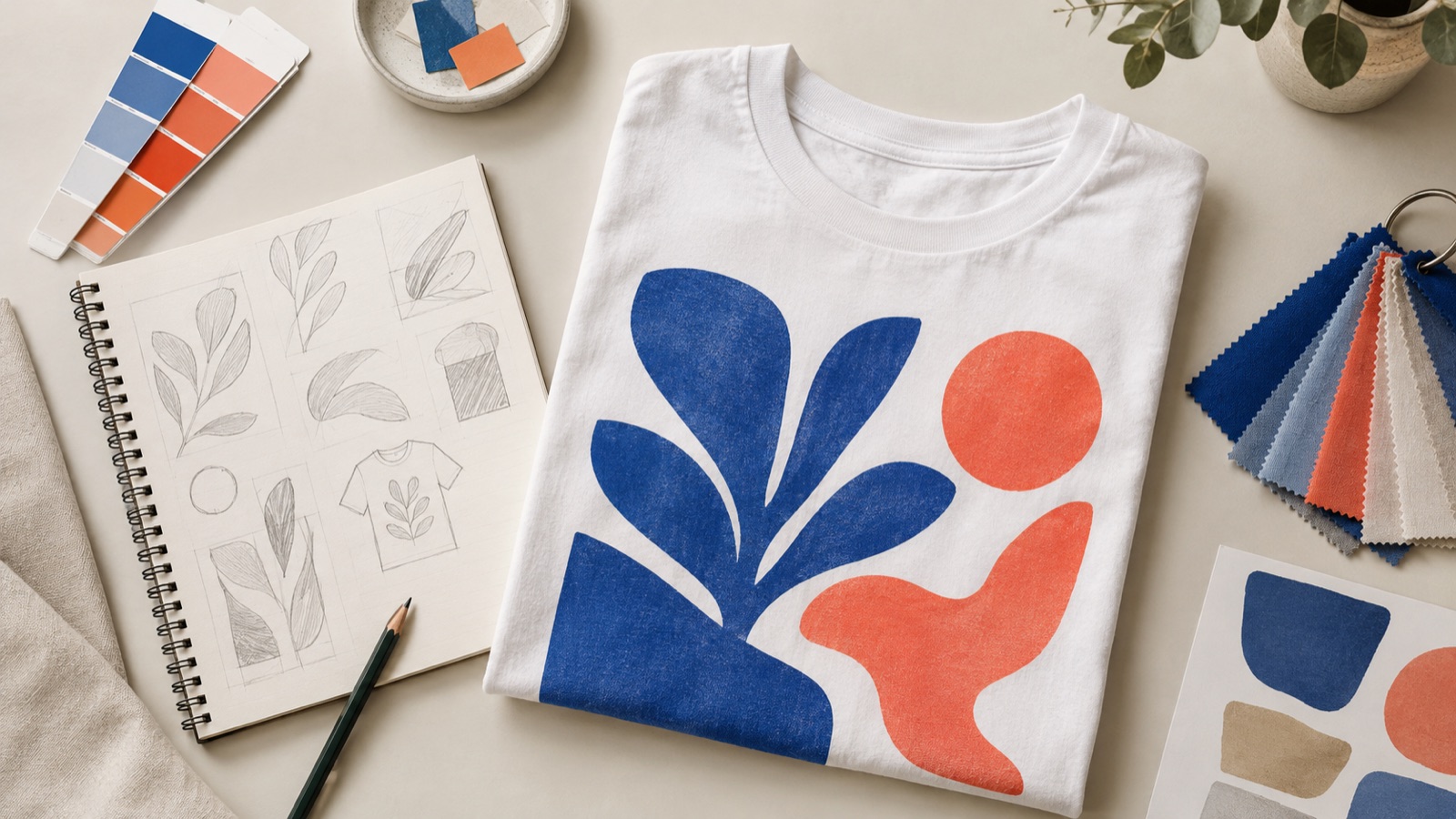
The preset below asks for one centered graphic on a plain background, which is much easier to cut out than a busy scene. Generate a few directions, pick the one that reads at a distance, then use the background remover and upscaler to prepare it. If the design includes words, set the type in a real design tool instead of asking the image model to spell it.
What this tool does
Explores visual directions
Generate several distinct motifs before committing to one. A cheap 1K preview is enough to judge composition and palette.
Produces a flat graphic
A plain background and centered composition make the artwork easier to cut out, place on a shirt mockup and inspect.
Feeds the production steps
After generation, use the background remover for a transparent PNG and the upscaler for a larger print file.
How to use the T-Shirt Design Generator
1. Write one clear visual brief
Name the subject, the style, the palette and the composition. Keep it to one idea; a shirt with five competing ideas rarely prints well.
2. Generate and shortlist
Run the preset, then generate two or three variations. Judge them at thumbnail size, the way a person will see the shirt from across a room.
3. Prepare the print file
Remove the background, upscale to the pixel size your printer requires, and check the edges at 100%. Add text in a vector editor if needed.
Prompt recipe
This is the preset behind the example. Apply it to the editor below, or copy it into your own model. Change one detail at a time so you can tell what helped.
Create an original screen-print graphic for a T-shirt: a bold geometric mountain and sun motif, limited palette of cobalt blue, coral and cream, clean vector-like shapes, centered composition, plain white background, no text, no letters, no logos, no mockup, no watermark.Try it in the real editor
Describe your idea, apply the preset and press Generate. The editor shows the current credit cost before anything runs. Results vary by source photo and model; check the face, hands and fine edges before you use the output.
What it does well, and where it stops
- Image models often misspell words and produce inconsistent letterforms. Set text separately.
- Do not request trademarked characters, team logos, album covers or a living artist’s exact style.
- A generated PNG is not a vector file. Large prints may need upscaling and a printer’s proof.
Who it is for
Print-on-demand shops
Create a small capsule of original graphics, then test which ones sell before investing in more.
Team and event shirts
Generate a motif for a reunion, club or fundraiser, and add the date and names in a layout tool.
Merch ideation
Explore ten directions in an afternoon, then hand the strongest one to a designer for cleanup.
Frequently asked questions
- Can I sell a T-shirt design made with AI?
- You need to own or license every element in the design and follow the model provider’s terms. Do not use trademarks, copyrighted characters or a living artist’s style. This is general information, not legal advice.
- Can the generator write text on a shirt?
- It can try, but short words are often misspelled and longer phrases are unreliable. Generate the artwork without text and set the type in a vector editor or a print-on-demand designer.
- Is the output print-ready?
- Not automatically. Remove the background, check the resolution at the intended print size and upscale if needed. Ask your printer for their required pixel dimensions and color profile.
- How much does it cost?
- Opening the editor and uploading a photo is free. Create an account to claim the daily preview credits; downloads, higher resolution and larger runs use purchased credits; see the pricing page for current packs.
- Can I use a reference image?
- Yes. Upload your own sketch or reference in image-to-image mode, but only use images you created or have permission to adapt.
Sources
These links open the source’s own site. Rules and prices change; check the current official page before you rely on a detail.
Try the editor before you buy credits
Describe your idea and run the preset in the editor above. Sign in to claim the daily preview credits; larger runs, downloads, 2K or 4K output and saved history use purchased credits.
Related tools and guides
AI Sticker Maker
Generate an original character or icon, then prepare a clean sticker PNG.
Remove an Object From a Photo
Erase a distraction and rebuild the background with matching texture.
AI Coloring Page Generator
Create clean printable line art with large shapes for children.
From AI idea to print-ready T-shirt artwork
Read the full guide, then come back to the same editor.
All AI image tools
Compare every focused tool and choose the one that matches the job.