
EzCreate · AI image tools
Change Photo Background
Changing a background is one of the most useful photo edits and one of the easiest to make look fake. The subject and the new scene have to agree on light direction, color temperature, shadow softness and perspective. A prompt that only says “put me on a beach” leaves all of that to chance.
- Describe the new background, the light direction and the shadow softness. “Sage studio backdrop with soft window light from the left” beats “nice background”.
- Hair, fur, glass and reflective products are the hardest edges. Check them at 100% and regenerate if the edge looks painted.
- For a pure white product background, the background remover is usually cleaner than a generative scene.
You can open the editor for free and start with a photo or a prompt. Sign in to claim the daily preview credits; downloads and higher resolution use purchased credits.
Quick answer
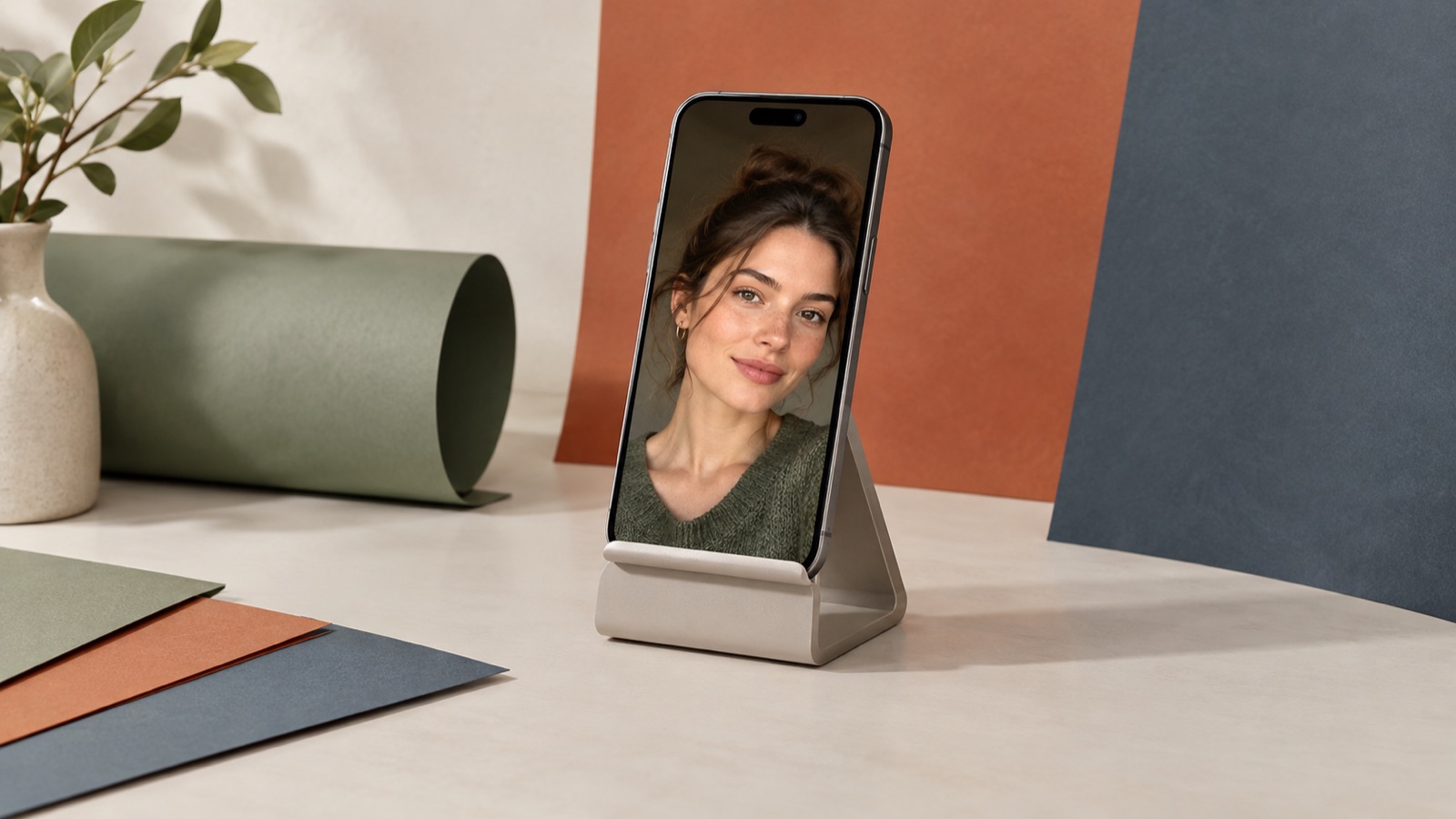
The preset below asks for a soft studio backdrop and explicitly matches the lighting. It works well for portraits, clothing and simple products. For a complex product with reflections or a very fine hair edge, expect to regenerate or finish the edge in a cut-out tool. The background remover is the better choice when you need a transparent PNG rather than a new scene.
What this tool does
Replaces a busy scene
Turns a cluttered room or street into a clean studio, outdoor or solid-color backdrop.
Matches the light
A good prompt carries the light direction and shadow softness into the new scene, so the subject does not look pasted in.
Keeps the subject intact
The face, clothing and pose stay the same; only the environment changes.
How to use the Change Photo Background
1. Choose the story
Decide whether the photo is a portrait, a product shot or a lifestyle scene. The background should support that job, not compete with it.
2. Describe light and depth
Name the backdrop color, the light direction and the amount of blur. These details do more for realism than a long list of objects.
3. Inspect the edges
Zoom in on hair, shoulders, product edges and reflections. If the edge is mushy, try the background remover or generate again with a simpler background.
Prompt recipe
This is the preset behind the example. Apply it to the editor below, or copy it into your own model. Change one detail at a time so you can tell what helped.
Replace the background of this photo with a soft, out-of-focus studio backdrop in warm sage green. Keep the subject’s face, hair, clothing, body and pose exactly the same. Match the lighting direction, color temperature and shadow softness to the new background. Keep realistic edge detail around hair. No text or watermark.Try it in the real editor
Upload a photo, apply the preset and press Generate. The editor shows the current credit cost before anything runs. Results vary by source photo and model; check the face, hands and fine edges before you use the output.
What it does well, and where it stops
- Fine hair, fur, transparent glass and reflective metal can keep a halo or lose detail.
- The new background may not match the original perspective. Check table lines, horizons and shadows.
- It is not a green-screen replacement. For exact brand colors or a pure white e-commerce background, a cut-out tool is more reliable.
Who it is for
Profile and team photos
Give a consistent studio backdrop to a set of team portraits taken in different rooms.
Product listings
Place a product in a clean lifestyle scene, while keeping the product itself unchanged.
Social content
Move a portrait from a messy room to a simple colored wall for a cleaner post.
Frequently asked questions
- Can I use my own background image?
- Yes. Upload your background as a reference image in image-to-image mode, or describe it precisely in the prompt. Only use images you own or have permission to use.
- Does it keep hair detail?
- Often, but not always. Very fine hair and fur are the first places to show a halo. Check at 100% and regenerate or finish the edge in a cut-out tool.
- Can I make a pure white product background?
- For e-commerce, the background remover is usually cleaner because it produces a transparent PNG you can place on pure white. A generative background may add a subtle tint or shadow.
- Will the subject’s face change?
- It should not, but models can drift. The prompt protects the face, hair, clothing and pose; still compare with the original.
- Is it free?
- You can open the editor and upload a photo for free. Sign in to claim the daily preview credits; downloads and higher resolution use purchased credits.
Try the editor before you buy credits
Upload one photo and run the preset in the editor above. Sign in to claim the daily preview credits; larger runs, downloads, 2K or 4K output and saved history use purchased credits.
Related tools and guides
Remove an Object From a Photo
Erase a distraction and rebuild the background with matching texture.
Passport Photo Generator
Draft a passport-style portrait, then check it against official rules.
AI Headshot Generator
Turn a clear selfie into a professional portrait for work profiles.
How to change a photo background without a green screen
Read the full guide, then come back to the same editor.
All AI image tools
Compare every focused tool and choose the one that matches the job.